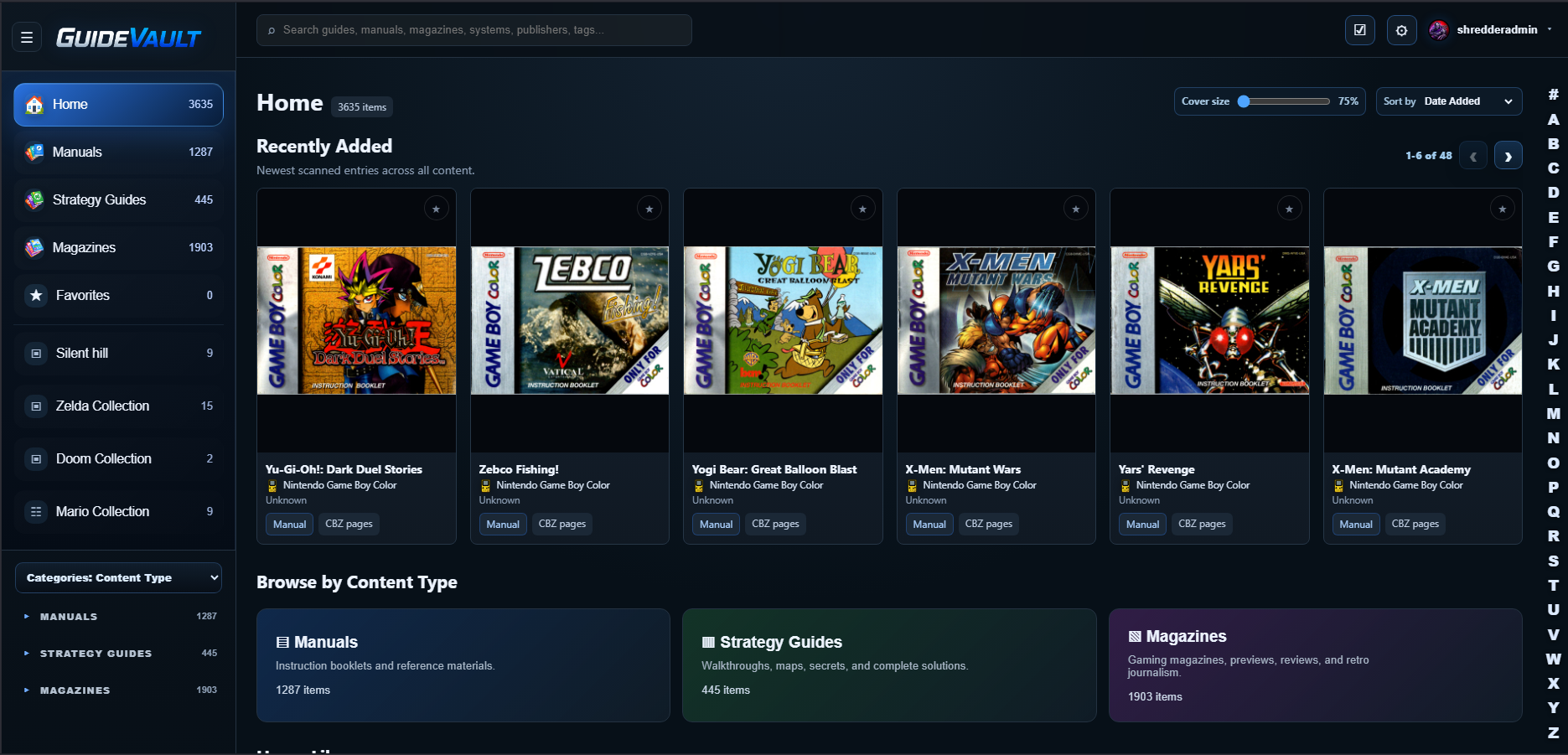
Home library
Start from a dashboard-style home view with recently added entries and content-type sections for Manuals, Strategy Guides, and Magazines.

Features
GuideVault separates manuals, strategy guides, and magazines so each item can be browsed, read, backed up, searched, collected, and described in the way that makes sense for that media type.
Start from a dashboard-style home view with recently added entries and content-type sections for Manuals, Strategy Guides, and Magazines.
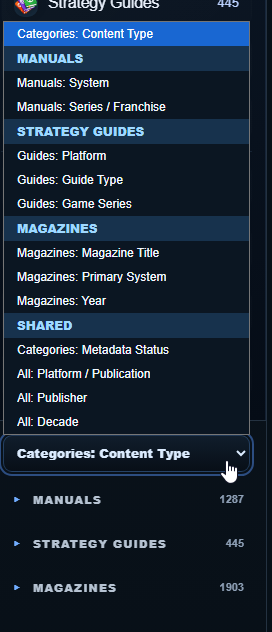
Keep manuals, strategy guides, and magazines separated while still being able to browse all content together when needed.
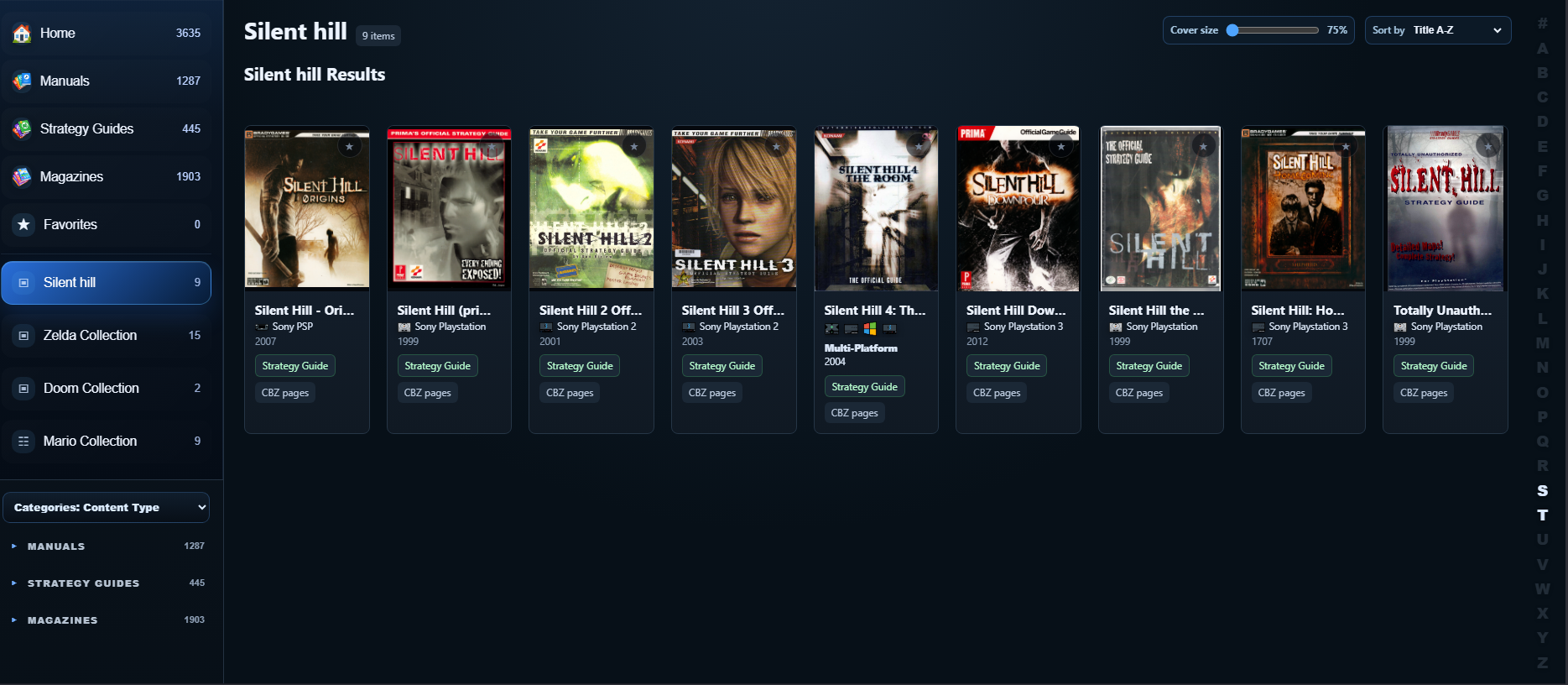
Mark important items as favorites, create user-defined collections, curate shelves, and choose where collections appear on Home or in the sidebar.
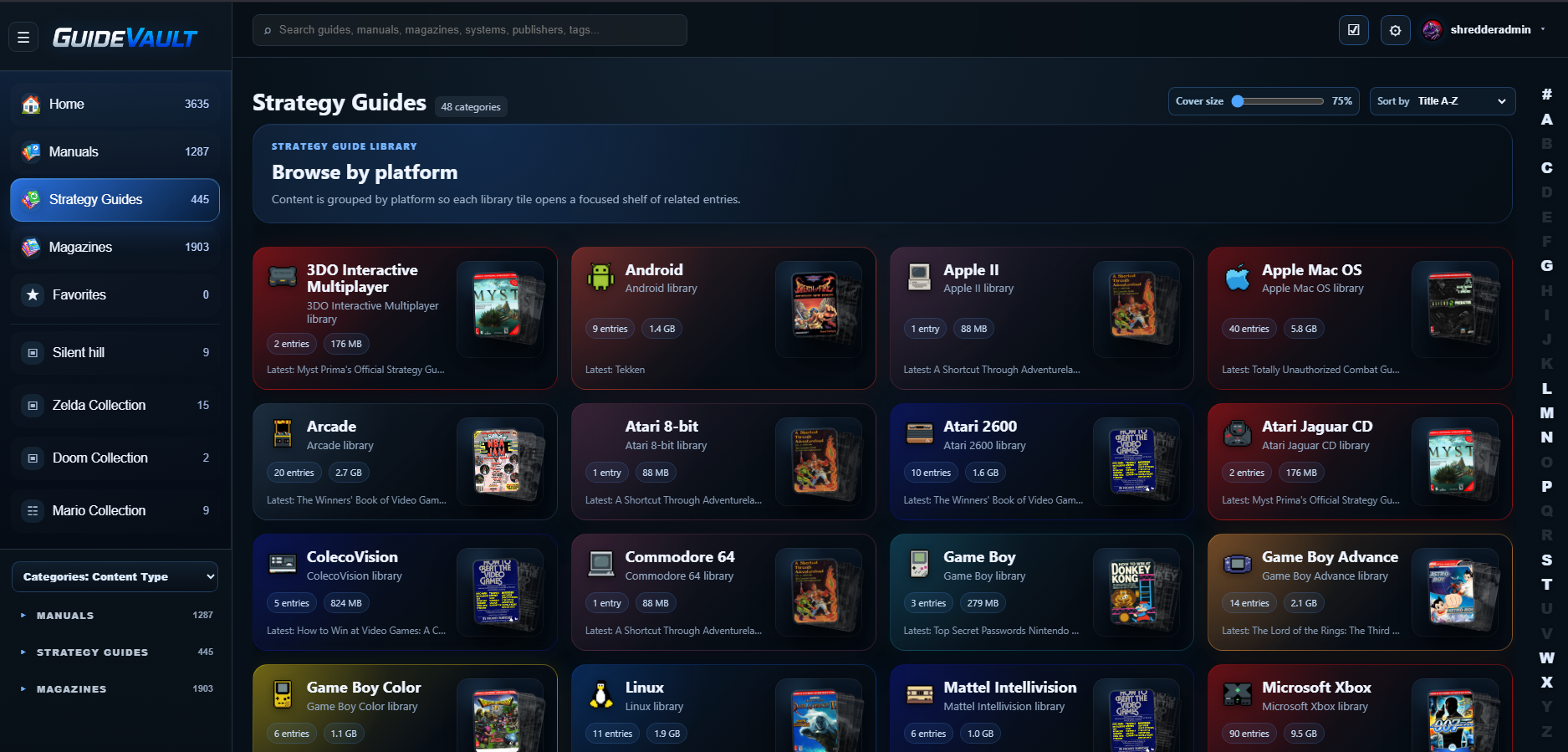
Associate content with one or more platforms. Multi-platform guides can be represented without pretending they belong to only one system.
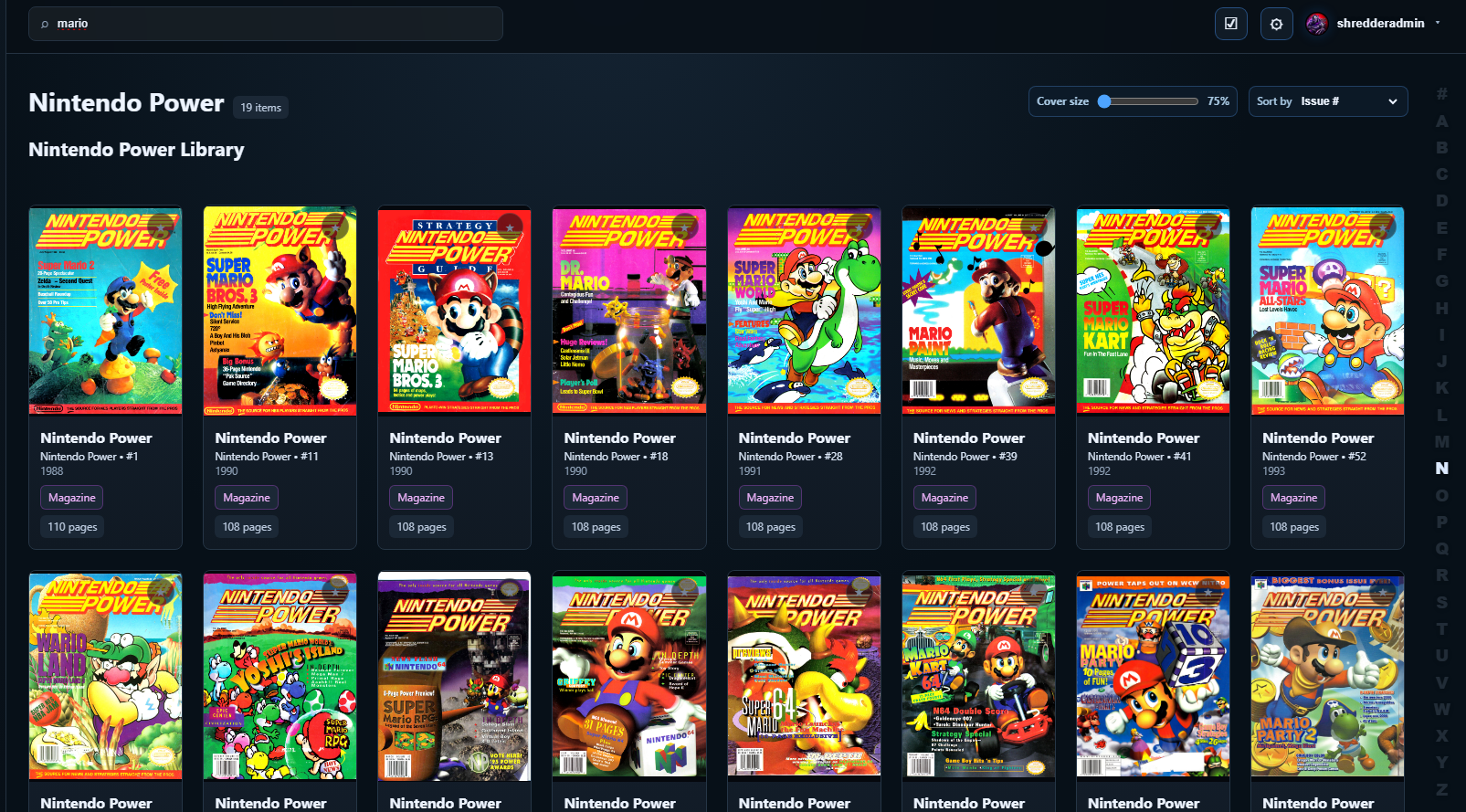
Find content by title, system, publisher, tags, notes, content type, platform, metadata fields, and LaunchBox match data as the library grows.
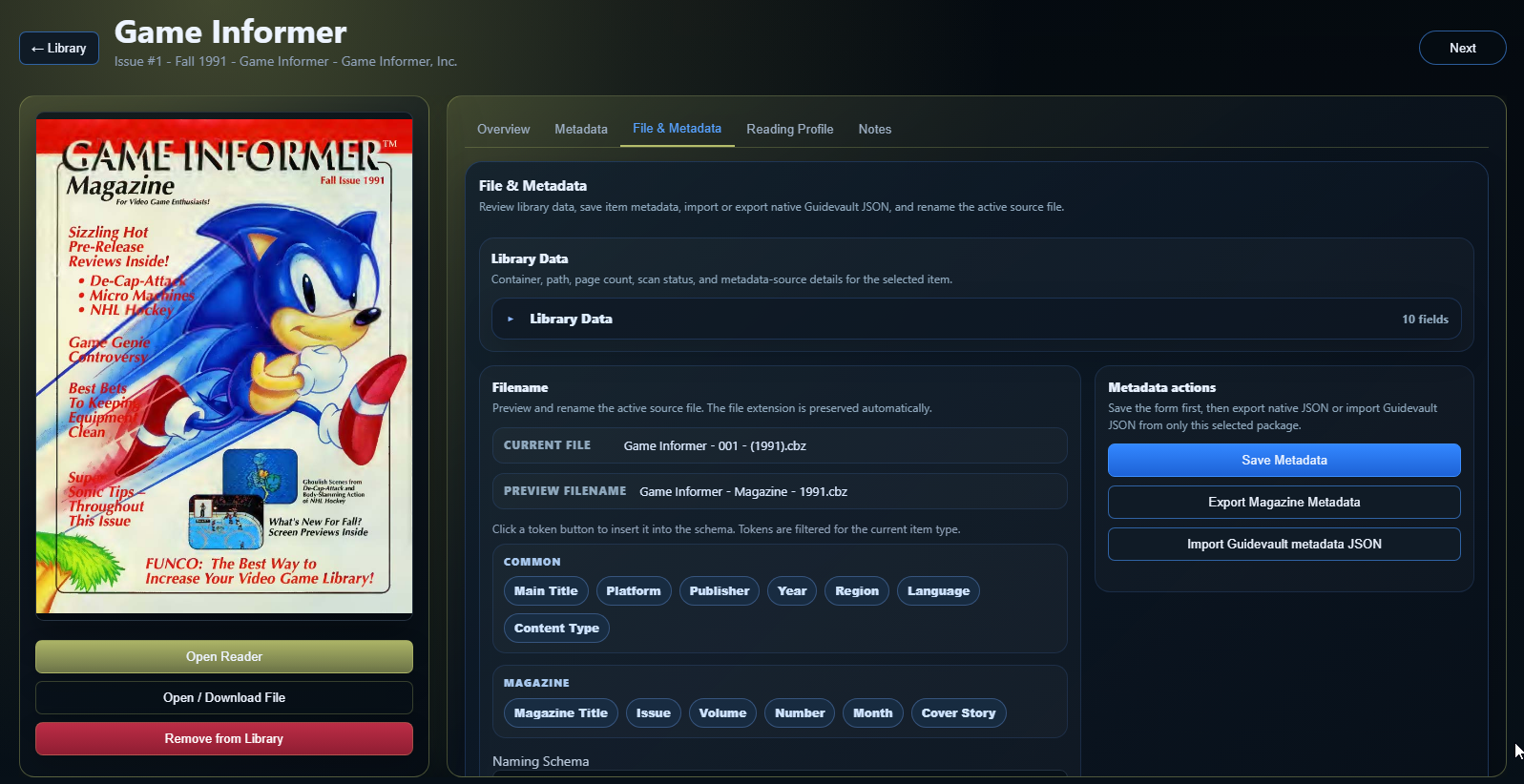
Use metadata editing, normalization workflows, scheduled maintenance, backup history, restore previews, and event logging to keep the library healthier over time.
Newer library tools
The newer feature set focuses on the parts that matter after the first scan: keeping data safe, making cleanup repeatable, surfacing the right item faster, and giving collections more control.
Readable presets map to backend cron-style execution so recurring cleanup can be configured without memorizing cron syntax.
Backup history, upload preview, restore preview, and safety backup make recovery less risky before anything is overwritten.
Search now reaches metadata, tags, bookmark notes, platforms, and LaunchBox match fields instead of stopping at basic item identity.
User-defined collections and placement controls let you build shelves around franchises, systems, themes, or personal reading priorities.
GuideVault is useful whether you have a small favorite shelf or thousands of scanned items. The interface is designed around quick navigation, cover browsing, and details pages that expose useful metadata without leaving the library.
Adjust cover size, sort recently added items, and browse by content category.
Review item identity, cover art, overview text, metadata, file information, reading profile settings, and notes.
Open the reader directly from the item details page or library card.